Background

Kindle-Perfect Manga Conversion in 60 Seconds.

Drop a CBZ, CBR, ZIP, EPUB, PDF, or image file. We size every page for your exact Kindle model, dither for e-ink, and email the file straight to your device. No Calibre, no fiddling.

Sign up for direct delivery to your Kindle (3 free deliveries to get you started, no credit card), or try the converter in your browser to download an EPUB.

app.mangasendr.com
MangaSendr Web App Dashboard

Drop Any File

CBZ, CBR, ZIP, EPUB, PDF, or image files

E-Ink Optimized

Smart dithering, contrast, and page sizing for every Kindle

Smart Splitting

Long volumes turn into chapter-sized files automatically

Inbox Delivery

Sent straight to your Kindle email in under a minute

USB Transfer

Plug in your Kindle, the desktop app handles the rest

Web or Desktop

Work in your browser or watch a folder on your computer

Trusted by 5,200+ manga readers
Works on all Kindles (2012+), Kobo, & Android E-Ink

How It Works

Sign up, connect your Kindle, drop a file. About two minutes the first time, including the one Amazon-side step every Send-to-Kindle tool needs.

Web App

1

Sign Up Free

Create your account in seconds. No credit card, no download. 3 free deliveries to get you started.

2

Connect Your Kindle

Add your Kindle email and approve our delivery address on Amazon. We walk you through it, and a one-tap test file confirms it's wired up.

3

Drop a File

Drag a CBZ, CBR, ZIP, EPUB, PDF, or image file into your library. Sized for your exact Kindle model, dithered for e-ink, smart-split if it's thick, and delivered in under a minute.

Desktop App

1

Download the App

Get MangaSendr for macOS or Windows. Log in with your account.

2

Watch a Folder

Pick the folder where your files live. New CBZ, CBR, ZIP, EPUB, PDF, or image files get picked up the moment they appear.

3

Send to Device

One click. Email it to your Kindle, or plug in a USB cable and push the files directly.

See the Desktop App in Action

Point at a folder, walk away. Watch how watched folders and USB transfer handle the rest.

Desktop App Demo

Desktop App Demo

watched folders & USB transfer

Simple, Transparent Pricing.

One subscription. Full access to the Web App and Desktop App.

Less than the price of a single manga volume per month.

“Best money I spend every month. It just works, every single time.” David R.

Monthly

$2.99 / month

Flexible monthly billing. Cancel anytime.

  • Unlimited deliveries & downloads
  • Web App + Desktop App
  • Per-Kindle-model E-Ink optimization
  • Smart splitting for large volumes
  • Unlimited devices
Try Free
3 Months Free

Yearly

$2.08 / month

Billed $24.99/year, save 30%

The best deal for avid readers. 3 months free vs monthly.

  • Everything in Monthly
  • Save 30% vs monthly
  • Best value for avid readers
Try Free, Then Save 30%
3 free deliveries to get you started, no credit card required
Cancel anytime, no lock-in

I was converting CBZ files manually with Calibre for months. MangaSendr does it better in seconds. Pages look so crisp on my Oasis.

S

Sarah J.

Casual Reader · Kindle Oasis

Transferring my One Piece collection used to take an entire afternoon. I sent all 105 volumes in one click. Smart splitting handled the rest.

M

Marcus T.

Power User · 200+ volumes

Per-Kindle-model sizing actually means something. Pages fill the Scribe screen edge to edge for the first time. Worth every penny.

L

Li W.

Kindle Scribe owner

Drop a file, get it on my Kindle in under a minute. Best money I spend every month. It just works.

D

David R.

Early Adopter · Since 2024

I don't even own a computer anymore. I drag files from my phone's Files app into MangaSendr and they land on my Kindle. The web app changed everything.

Y

Yuki M.

Mobile User · Web App

I was converting CBZ files manually with Calibre for months. MangaSendr does it better in seconds. Pages look so crisp on my Oasis.

S

Sarah J.

Casual Reader · Kindle Oasis

Transferring my One Piece collection used to take an entire afternoon. I sent all 105 volumes in one click. Smart splitting handled the rest.

M

Marcus T.

Power User · 200+ volumes

Per-Kindle-model sizing actually means something. Pages fill the Scribe screen edge to edge for the first time. Worth every penny.

L

Li W.

Kindle Scribe owner

Drop a file, get it on my Kindle in under a minute. Best money I spend every month. It just works.

D

David R.

Early Adopter · Since 2024

I don't even own a computer anymore. I drag files from my phone's Files app into MangaSendr and they land on my Kindle. The web app changed everything.

Y

Yuki M.

Mobile User · Web App

Built For E-Ink. Tuned For Every Kindle.

Most converters give you the same file regardless of where it lands. We size every page for the exact device you're sending it to, then dither and split for the way e-ink actually renders.

Per-Model Resolution

Basic, Paperwhite, Oasis, Scribe, Colorsoft. Each device gets pages sized to its exact native resolution, never upscaled or letterboxed.

Smart Dithering

Grayscale conversion tuned for 16-shade panels. Screen-tones and shadows hold their detail instead of crushing to flat grays.

Smart Splitting

Drop a 400-page tankōbon and it arrives as readable chapter-sized files, automatically split below your email provider's attachment limit.

Web App: Drag & Drop

Drop a file in your browser. Conversion runs server-side, delivery hits your Kindle in under a minute.

Desktop App: Watched Folders

Pick a folder. New files inside are converted and sent the moment they land.

Try It With Your Files

3 free deliveries to get you started. No credit card required.

.cbz
Comic archive
.epub
Reflow or fixed
.pdf
Scanned or born-digital
folder
Loose JPEG / PNG / WebP

Drop Almost Anything.

Whatever shape your files are in, we read them. Comic archives, e-books, PDFs, or just a folder of images straight off a scanner.

  • CBZ, CBR, ZIP: The standard for comic and manga archives. Cover art preserved.
  • EPUB and PDF: Reflowable or fixed-layout, scanned or born-digital. We figure out which and convert accordingly.
  • Image folders: Drag a folder of JPEG, PNG, or WebP files. We sort, package, and deliver.
Files are processed and delivered, then purged within 24 hours. We don't hoard your library.
Drop Your First File

Free to try, no credit card required.

Every File You've Sent. One Dashboard.

Your delivery history lives in the cloud, accessible from any browser. Cover art, page counts, and which device you sent each file to, all in one place. With instant search and smart status filters, you'll never wonder whether you've already sent a volume.

  • Visual Grid: Cover art pulled from AniList where we can find a match, or extracted from the file itself.
  • Smart Filtering: Search by title, filter by device, or jump to your most recent uploads.
  • Re-deliver in One Click: Pick a file from your history and send it again, no re-upload needed (within the 24-hour window).
Library Grid

Pixel-Perfect Optimization.

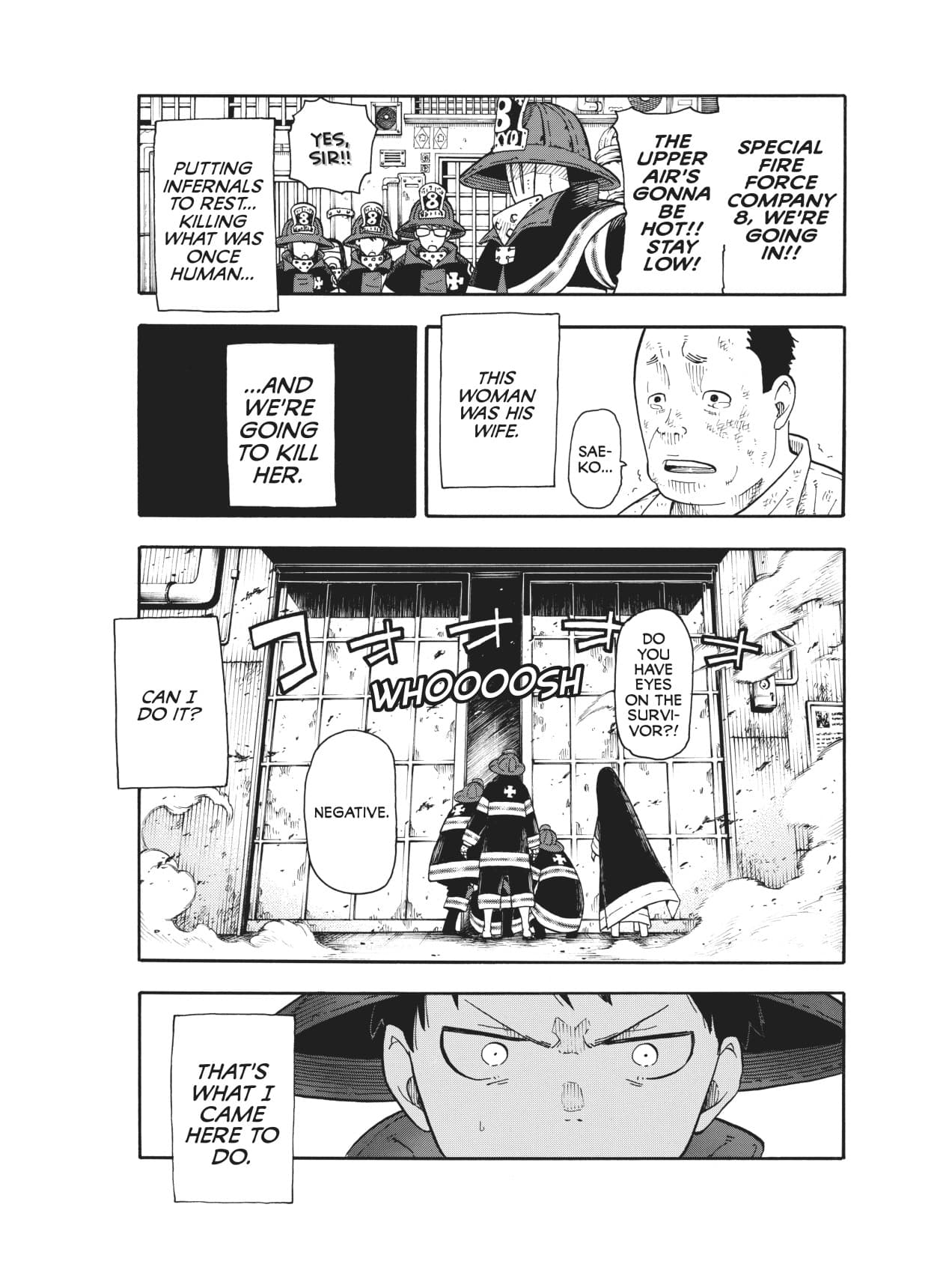
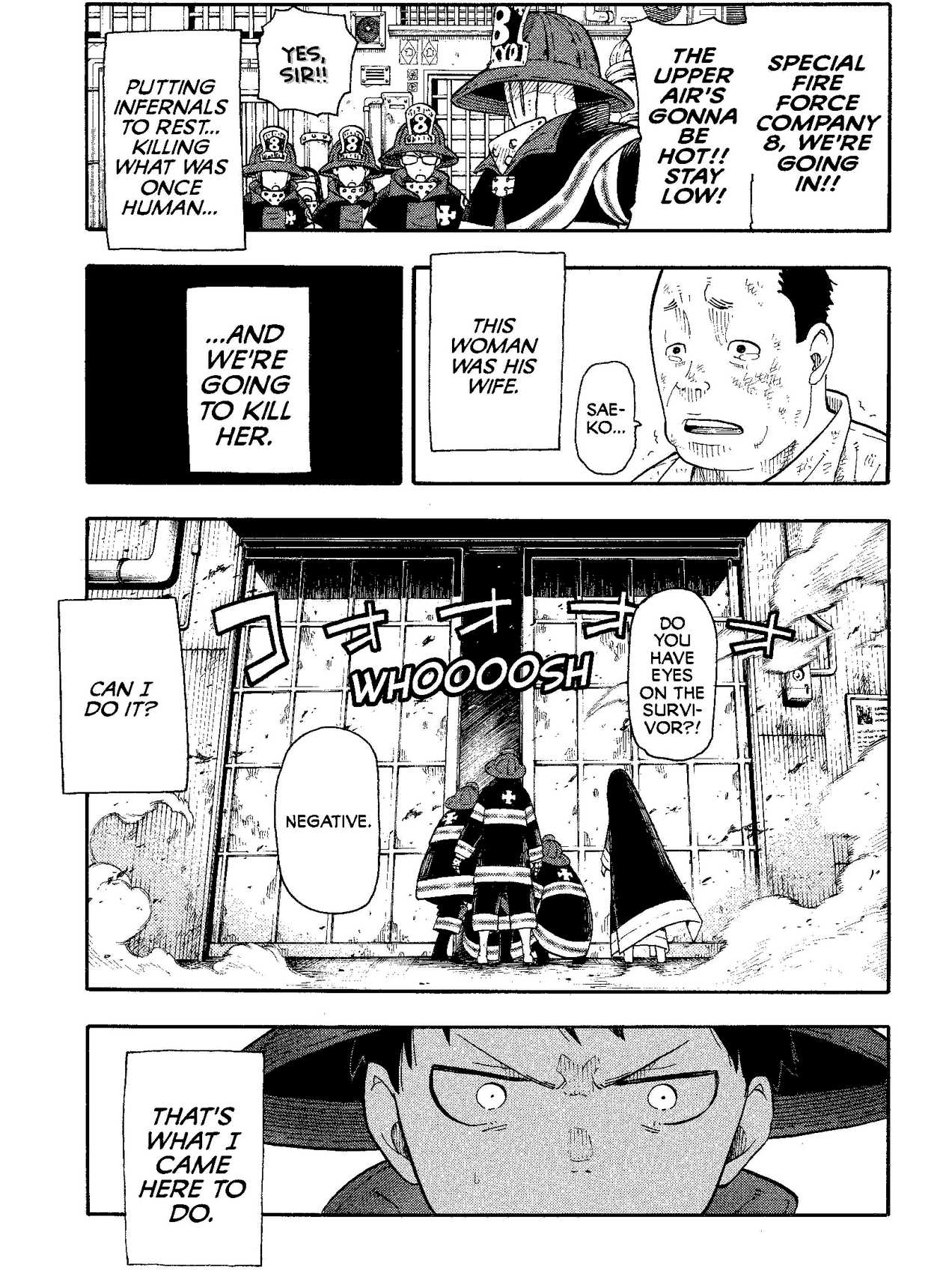
We don't just move files. We remaster them. Every page is analyzed and tuned for the specific E-Ink display of your Kindle.

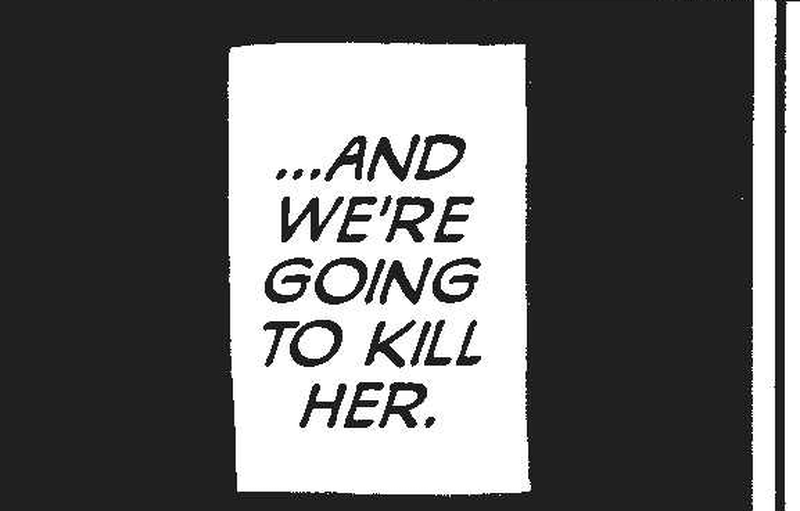
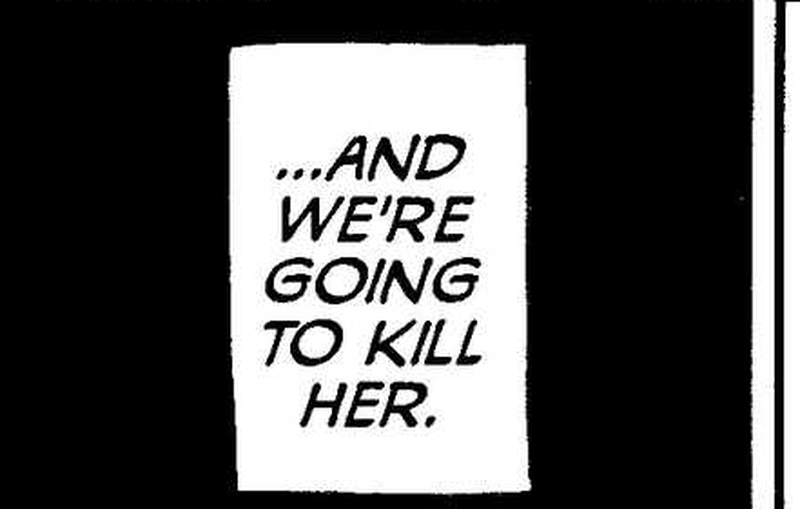
Original
Enhanced
Contrast Boost Demo
Dashboard with active deliveriesSend to Kindle — batch delivery modal

Send the Whole Stack in One Click.

Pick the files you want on your Kindle and hit "Send". We handle the rest. Large volumes are split automatically to fit email limits, and every page is sized to look crisp on your e-reader screen.

Auto-Split & Merge: Large volumes are intelligently split (e.g. "Vol 1 Part 1/2"). Covers are preserved on every part.
Queue Management: Send 20 volumes at once. We throttle delivery to prevent email rejections.
1
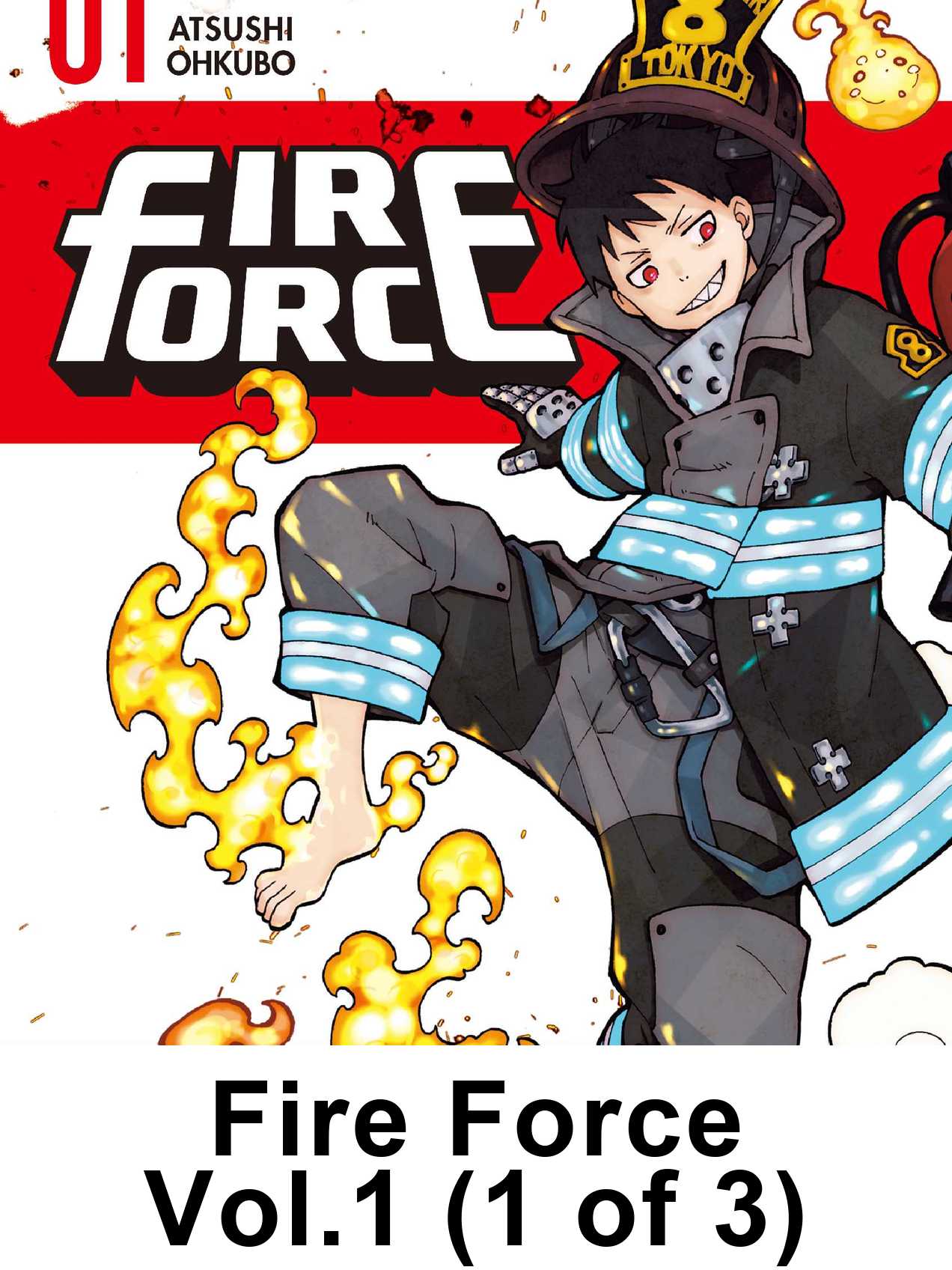
Vol 1 Part 1 (25MB)
2
Vol 1 Part 2 (24MB)

One Subscription. Two Platforms.

Use the web app for quick uploads, the desktop app for watched folders and USB transfer, or both.

Feature
Web
Desktop
Browser upload
Any device
Local files
Watched folders
USB transfer
Offline mode
Email delivery
E-Ink tuning
AniList metadata
Delivery history
Multi-device

The Superior E-Ink Experience.

Why thousands choose MangaSendr over standard methods.

Tablet / Phone Reading

  • × Tiny text on backlit screens
  • × Eyestrain after 20 pages
  • × Notifications break immersion

Manual / Calibre

  • × Download, convert, cable, drag — per chapter
  • × No progress tracking or sync
  • × White margins waste 30% of screen

MangaSendr

  • New chapters arrive while you sleep
  • Works from any browser
  • Pixel-matched for E-Ink

Reading in Under 60 Seconds.

Web App: Sign up, add your Kindle email, drag a file in. Desktop App: Download, point it at a folder, walk away.

  • Device Profiles: Margins and resolution tuned for your exact Kindle model.
  • Any File Format: CBZ, CBR, ZIP, EPUB, PDF, or image files. We handle the conversion.
  • Cross-Platform: One account, same settings on web and desktop.
Device Setup

Frequently Asked Questions

What is the Web App?

The MangaSendr Web App runs in your browser, with no download or installation. Drop a CBZ, CBR, ZIP, EPUB, PDF, or image file into your library and we convert it for your exact Kindle model and email it straight to your device. Works on any browser: phone, tablet, or computer.

Do I need to install anything?

No, the Web App works entirely in your browser. If you want watched-folder automation or USB transfer, the optional Desktop App for macOS and Windows handles those.

Is it free?

You get 3 free deliveries to get you started with no credit card required, plus bonus deliveries for inviting friends and completing quests. For unlimited deliveries, MangaSendr is available via Monthly ($2.99/mo) or Yearly ($24.99/yr, 3 months free) plans. One subscription covers both the Web App and Desktop App. Your library and settings are always preserved, even if you don't subscribe right away.

Which devices are supported?

Email Delivery (Kindle): Kindle Basic, Paperwhite (3+), Oasis, Scribe, and Colorsoft. Files arrive straight in your Send-to-Kindle inbox.

EPUB Download (Any Reader): Download optimized EPUB files for Kobo, Android e-ink, or any EPUB-compatible device, directly from your browser.

USB (Desktop App): Push converted files straight to a Kindle over USB, including older Kindles and Kobo devices.

Can I use both the Web App and Desktop App?

Yes. A single subscription covers both platforms. Use the Web App for quick uploads from any browser, and the Desktop App for watched folders and USB transfer. Log in with the same account on both.

Is MangaSendr providing manga content?

No. MangaSendr is a conversion and delivery tool for files you provide. We don't host or distribute content. You upload files you have the right to read, and we convert and deliver them to your devices.

What happens to my files after delivery?

They're purged within 24 hours of delivery. We keep a small cover thumbnail and the metadata (title, page count, conversion settings) so your library page still looks like a library, but the original file and the converted output are wiped. Drop the file again any time to redeliver.

Why are some volumes split?

Email providers limit attachment sizes (usually 25-50MB). Our engine splits large volumes automatically (for example, "Vol 1 Part 1") to guarantee delivery, preserving the cover image on every part.

Is Kindle email setup hard?

Not at all. It takes about 60 seconds. Just add our delivery address to your Kindle's approved email list in your Amazon settings. We walk you through each step during onboarding.

Is my data safe?

Yes. Files are processed and delivered, then purged from our servers within 24 hours. We don't hoard your library. Account data and delivery history are encrypted and private to your account.

What happens if I cancel?

Your library, devices, and delivery history stay in your account. You just won't receive new deliveries beyond any free deliveries you have left (3 to get you started, plus bonuses from referrals and quests) until you resubscribe. No data is deleted.

How is MangaSendr different from Calibre or KCC?

Calibre and Kindle Comic Converter are powerful tools, but they require a desktop install, a sequence of manual steps per file, and they don't deliver to your Kindle. MangaSendr does the conversion in your browser (or on a watched folder), tunes the output for your exact Kindle model, and emails the result straight to your device. Drop a file, get it on your Kindle in under a minute.

Get the latest updates from MangaSendr

Stay in the loop with new features and releases.